
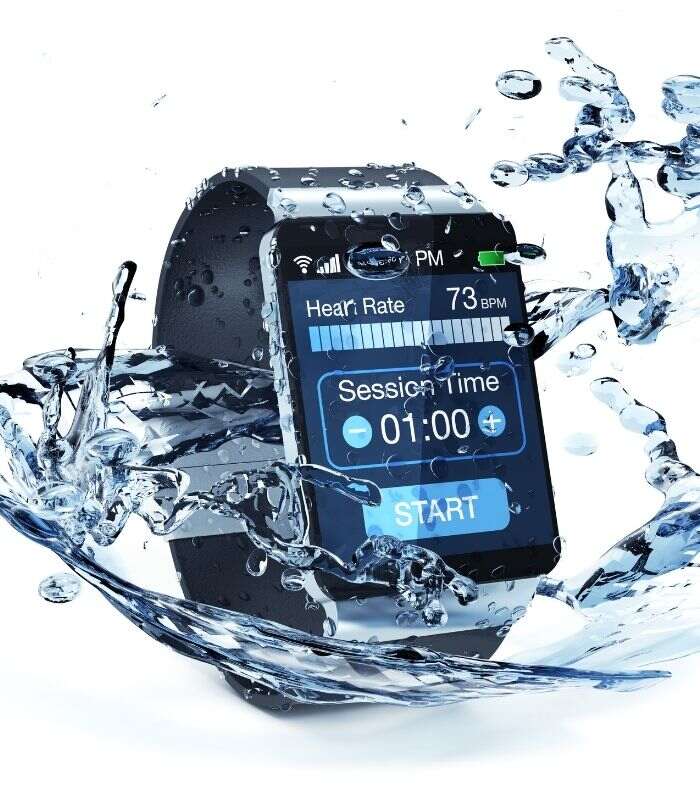
Cleanliness is very important for all of us. Even the beasts or animals of the wild wash or clean themselves every day. Therefore, it is natural for us to clean ourselves and whatever we wear on ourselves. Smartwatches are also something we deeply care about it. These are our prestige, pride, and achievement. Keeping it clean from time to time is no short of a virtue. Therefore, we will try to cover the process of ‘how to clean a smartwatch’.
The process of cleaning:
Think about this- your smartwatch is there to do some smart things for you. It tracks your calorie burn and counts your steps throughout the day. If you have a very expensive smartwatch, there is a very good chance that you are using it even for communication, bank payments, and so on!
You are taking it to all sorts of places. It sweats with you too. So, if you are taking a bath every now and then, is it not natural that your smartwatch requires one too? Well, not that we are telling you to bathe it in water, per se. But at least, you can do some careful washing yourself.
With the current state of affairs of the world and covid19, you never know when your favorite smartwatch that you cherish so much will get contaminated, and once it is contaminated, you can rest assured it will get inside your household as well. So, you will have to disinfect it and clean it properly.
- Cleaning products
- You can usually use disinfectant and microfiber cloth. But you can also use swipes that contain alcohol.
- First of all, make sure that you read the user’s manual and find out how to clean a smartwatch guideline. If there is none, you should ask around because, if you break your watch somehow, your watch’s warranty may become void. So, please be careful of that.
- If your watch is water-resistant, you can use water and a little bit of soap. First, you need to remove the straps. Clean them properly with soap water and dry them with a paper towel.
- Now comes the main part. We need to take care of the main body.
- Take an alcoholic swipe, or put some disinfectant on a piece of microfiber cotton.
- Now slowly and thoroughly wipe the main body clean. Rub it gently and with patience. Soon, you will have a squeaky clean smartwatch.
- Use sharp and flat plastic pieces with the cloth to remove dirt from places where your fingers cannot reach.
Conclusion:
We hope you have got an answer to your questions ‘how to clean a smartwatch’. If you follow this article to the letter, you should be able to avoid unforeseen problems. Please, follow the process as described. You cannot do anything that can jeopardize the warranty of your product.



![How to Change Time on Fossil Smart Watch [A GUIDE]](https://techdenbd.com/backend/img/blog/how-to-change-time-on-fossil-smartwatch-2022-06-29-62bbdf51aaea7.jpg)